Your shows and games, along for the ride.
YouTube, your TV lineup and your PC’s game library on the car’s screen. Parked or while driving, for the passenger seat.
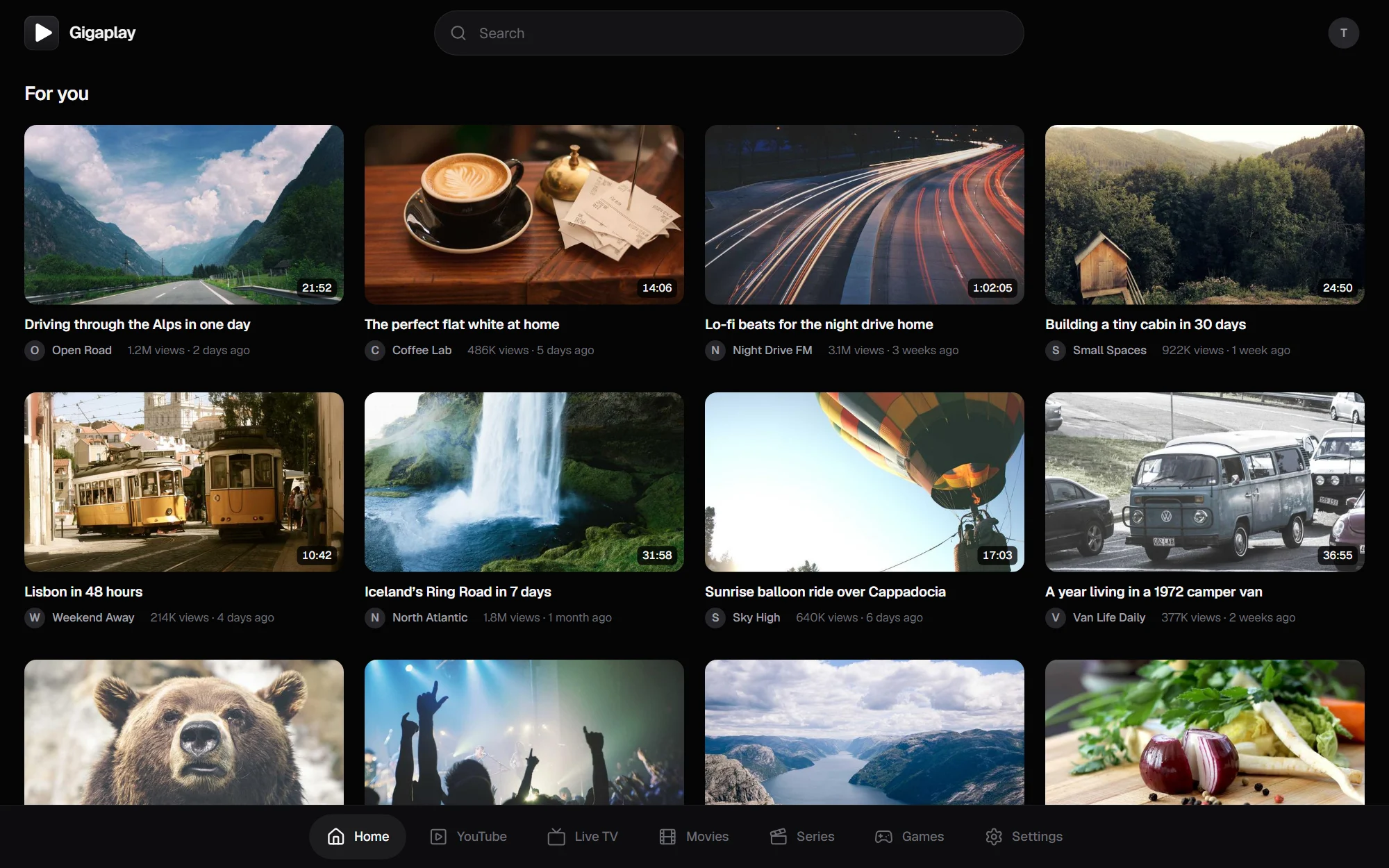
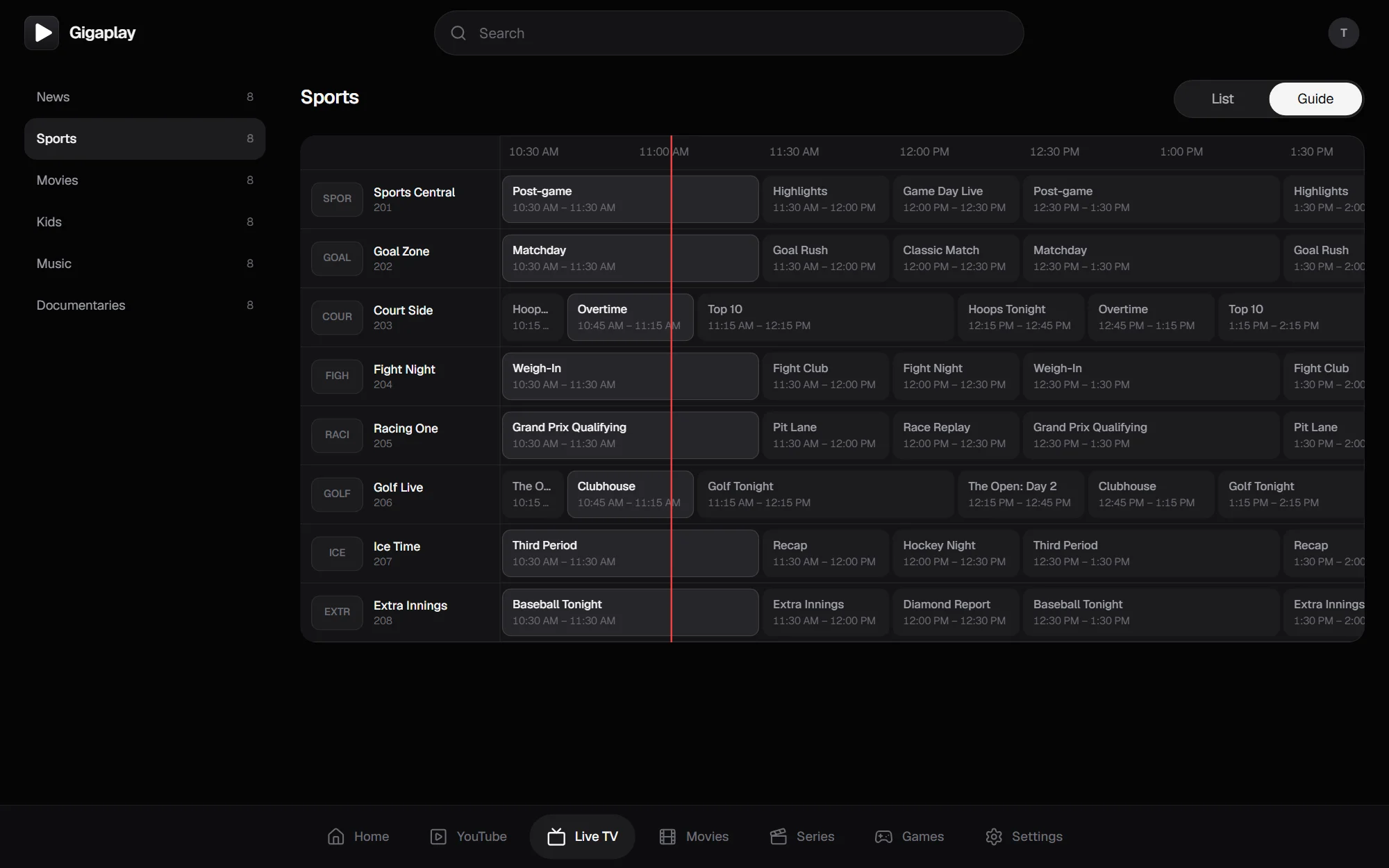
Your own YouTube, signed in. Up to 1080p, and it keeps playing after the car leaves Park.
Games
Not cloud gaming.
Your own PC.
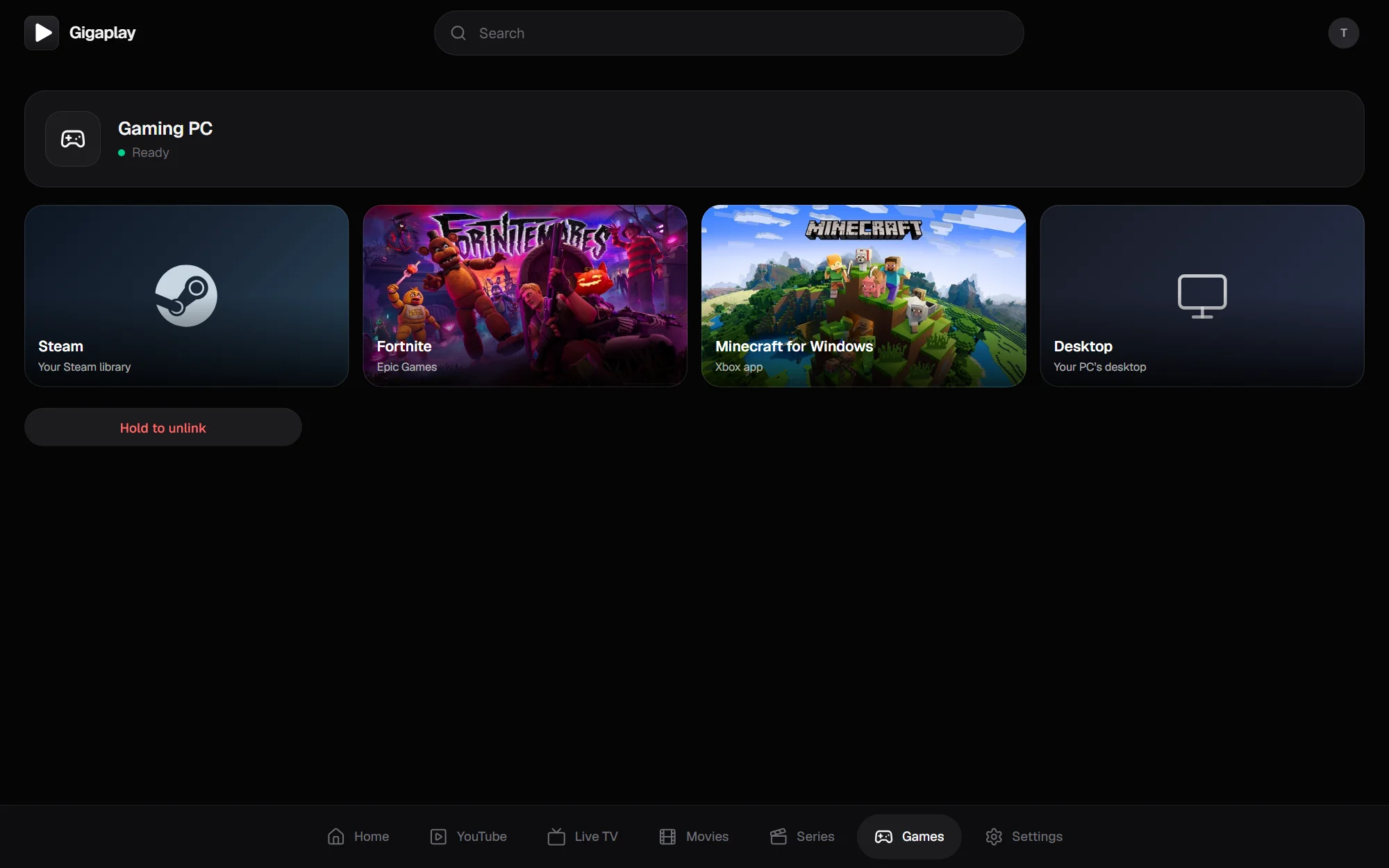
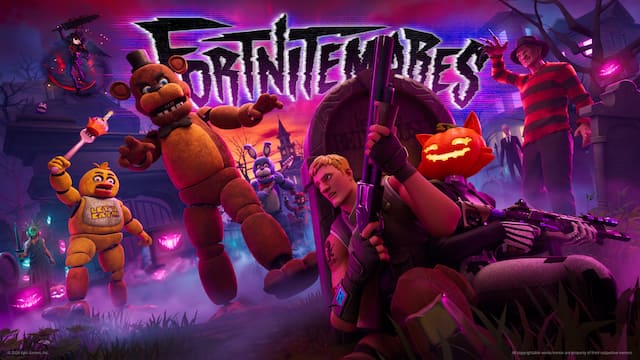
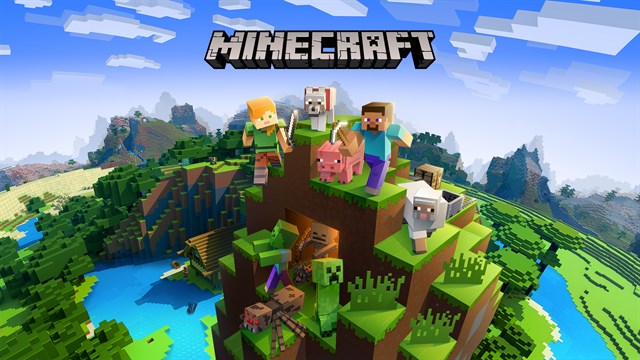
Gigaplay streams the gaming PC you already have to the car’s screen: your whole Steam library, Fortnite, Minecraft, anything on the desktop. No subscription, no hour limits, no router setup. Play with a PS5 controller, parked or while driving.
- 1Install it on your PCOne installer. It sets itself up and shows a code.
- 2Type the code in the carGames tab, once. Your library appears, with each game’s picture.
- 3Pick a gameBig Picture, Fortnite, Minecraft or the desktop. The touchscreen is the mouse.
How it works
- 1
Open it in the car
Go to gigaplay.app in the car’s browser and tap Open.
- 2
Scan with your phone
Approve the code. No app, no password to type.
- 3
Watch or play
Up to 1080p. Keeps going while driving.
Questions
Does it keep playing while driving?
Yes. Gigaplay decodes video itself instead of using the car’s video player, so YouTube, TV and games keep going after the car leaves Park. It’s made for passengers.
Can I play my Steam games in the car?
Yes, from your own gaming PC. Install Gigaplay for PC, type its code in the car once, and your Steam library opens in Big Picture on the center screen, with a PS5 controller connected to the car. Epic games like Fortnite and Xbox app games like Minecraft for Windows show up too.
Is it cloud gaming?
No. It streams the PC you already own, so every game you have works, there are no hourly limits and no subscription. The PC needs to be on and online; it only connects out, so there’s no router setup.
Do I need to install anything in the car?
No. It runs in the car’s web browser. You sign in to YouTube by scanning a code with your phone. Only games need a program, on your PC.
What can I watch?
Your own YouTube (For You, subscriptions, history, search) and your own IPTV service, live with the guide, movies and series. Gigaplay doesn’t sell channels.
Which cars does it work in?
Teslas with the Intel Atom or AMD Ryzen media computer: Model 3, Model Y, Cybertruck, and Model S and X built from 2018. It also opens in any phone or computer browser.
Is it OK to use while the car is moving?
For passengers, where the law allows. The center screen is in the driver’s view, and some places ban that while driving (California’s Vehicle Code 27602, for one). The driver drives.
Is my account safe?
Your sign-in stays encrypted in your car’s browser. Gigaplay keeps no accounts and no passwords on its servers. Signing out also revokes access.